
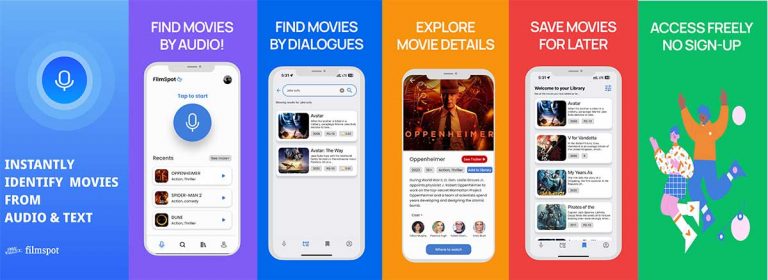
Imagine watching a movie scene or trailer — but not knowing the name of the movie. That’s where FilmSpot comes in. FilmSpot is a smart movie recognition app that helps you identify movies using short audio clips—like Shazam, but for films.
Imagine watching a movie scene or trailer — but not knowing the name of the movie. That’s where FilmSpot comes in. FilmSpot is a smart movie recognition app that helps you identify movies using short audio clips—like Shazam, but for films.

Last time, chatting with Majky, he asked, if he should see some stats about using his Oscar – I said no problem. So I created some more stats.

Everything you have to do is rename subtitle file according movie file. So if you have “movie.avi” your subtitles must be located in same directory and renamed to “movie.srt”. Now open movie in your favourite video player and enjoy!

Time to time I check trac for new tickets, and I found interesting one (actually, it was send by user and I put it in trac), where was suggestion about creating favourite subtitles for user. This means, you can mark any subtitles and add it to you favourites.
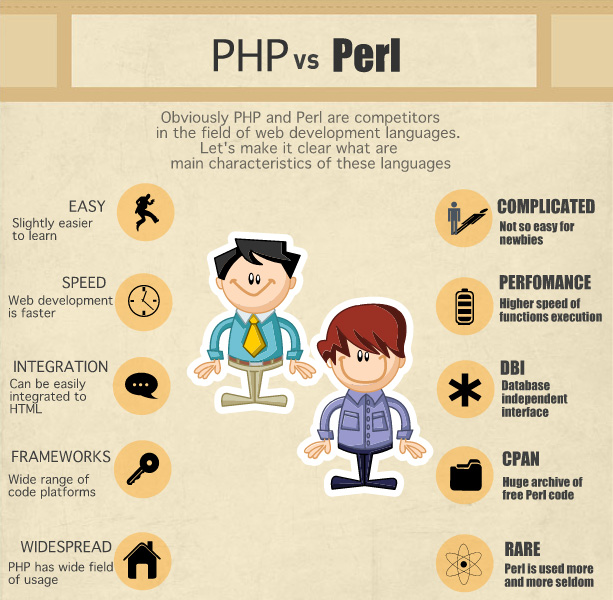
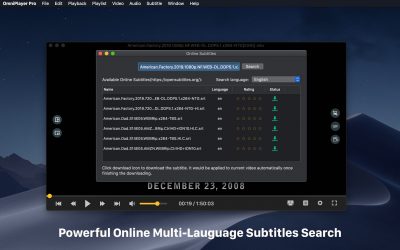
Advanced PHP/Perl programmers could write some nice scripts, which can download right subtitles from OpenSubtitles without doing anything – just running that script.

What are you going to do this Christmas and New Year?

We needed better subtitles reporting system, so user should change info like release name, uploader comment or even uploader. I coded it and this is all now possible with new reporting system, so you can try that.
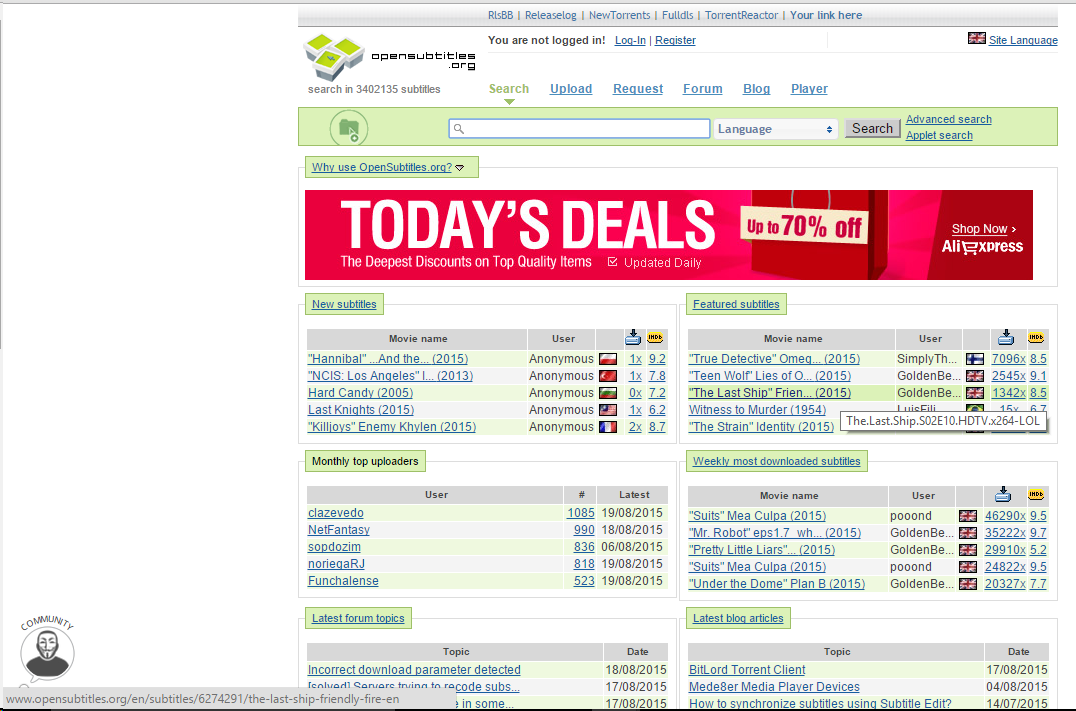
Don’t be scared, when you will see in URL OpenSubtitles.com – we are testing something, don’t update bookmarks, OpenSubtitles.org is still correct URL.
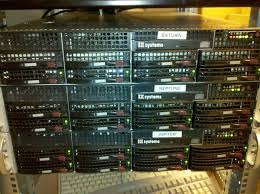
Some of you might have already noticed that opensubtitles.org didn’t work for past couple of days correctly. This was due to the move to a new hardware and new operating system version of our servers at collocation.